|
|
|
|
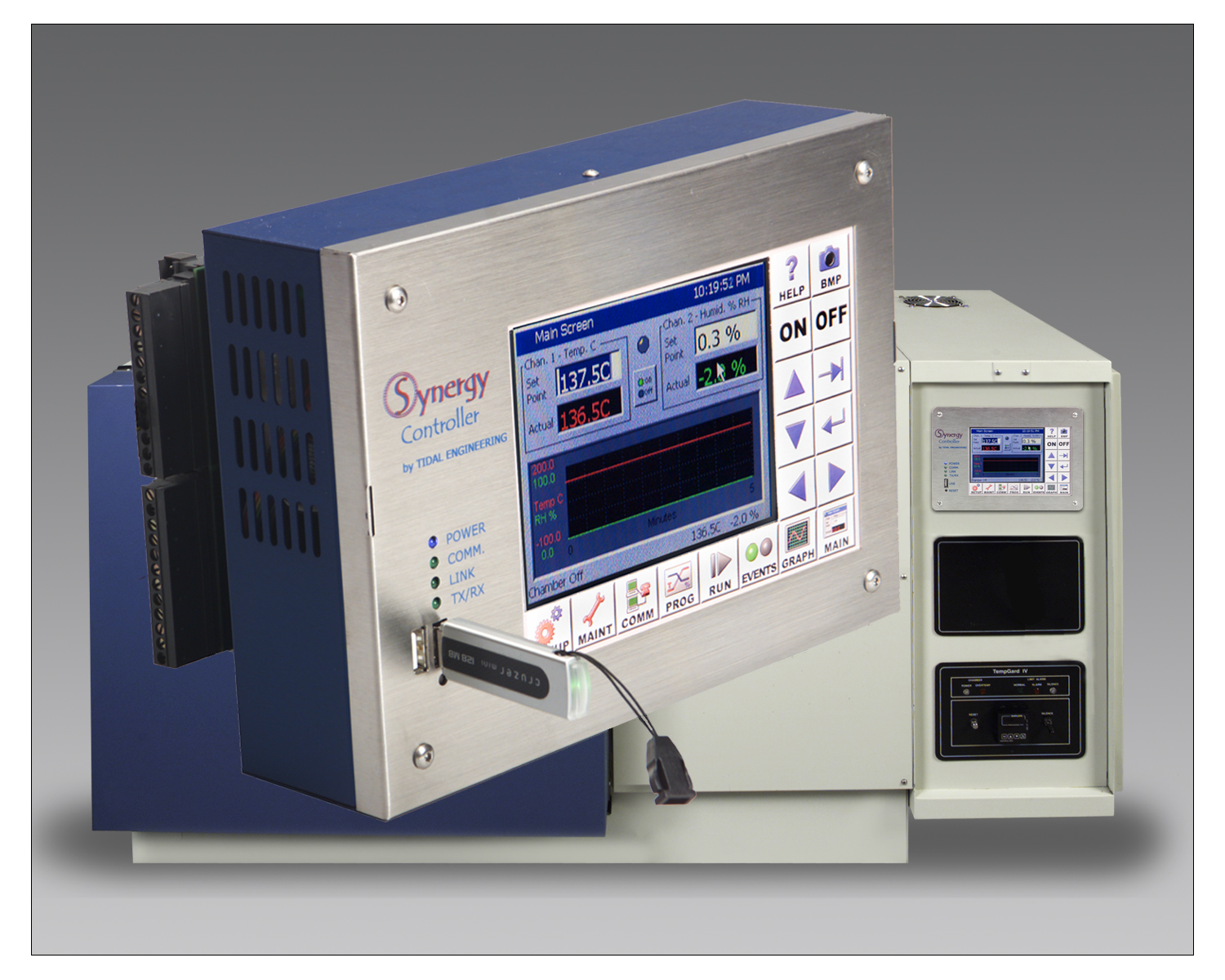
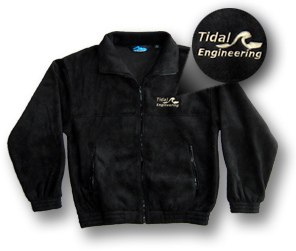
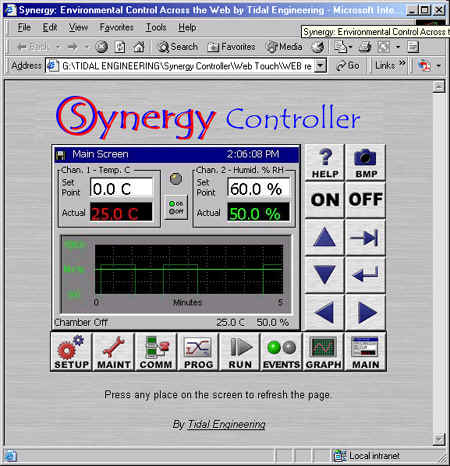
Introduction Tidal Engineering is offering a programming, operation and maintenance course on our touch screen controllers in Randolph NJ. The course will cover the VersaTenn V, Synergy and ProTouch line of environmental chamber controllers. With the daylong class, you will receive a free Web Touch registration key for a Tidal Controller and a Tidal Engineering fleece jacket, perfect for New Jersey weather in March. The fee for the class is $1500.00. The class includes Dunkin Donuts in the morning and a Panera lunch in the afternoon. Registration Contact Us to Register for a course. |
|
|
|
|
At the completion of the course each participant
will be presented with a Tidal Controller Overview Course Certificate of
Completion.
Synopsis
View the outline synopsis below or preview Tidal's Training Course Power Point Presentation.
Tidal Engineering Controller Training Class
Includes VersaTenn V, ProTouch, Synergy Controller and Synergy Nano.
1.0 INTRODUCTION
1.1 Company Information, Assistance and Warranty
2.0 SPECIFICATIONS
3.0 CHAMBER / CONTROLLER POWER-UP
4.0 FRONT PANEL
4.1 Synergy Interface Panel Layout
4.2 Front Panel Operator Interface
4.3 Touch Screen
4.4 LCD Screen
4.5 Function Keys
5.0 NAVIGATION SCREENS - A Brief Overview
6.0 SETUP AND CONFIGURATION
6.1 Setup Directory Table
6.2 Calibration
6.3 PID
6.4 Special Functions
6.5 L - Values
6.6 Settings List
6.7 Device Primitives and Logic Flow Charts
6.8 LCD Settings
6.9 Chamber Setup
6.10 Output Mappings by Chamber Type
6.11 Logging
6.12 Logging Sequence of Operation
6.13 Panel Lock
6.14 Languages
7.0 MAINTENANCE DIRECTORY
7.1 Operator Interface
7.2 Alarm Functions
7.3 Utilities
8.0 COMMUNICATIONS DIRECTORY
8.1 Operator Interface
8.1.1 RS-232
8.1.2 RS-485
8.1.3 IEEE 488
8.1.4 Ethernet
8.1.5 TCP/IP
8.1.6 Web
8.2 Synergy Web Server
8.3 Software Applications and Sample Networks
8.3.1 Synergy SimpleComm Communications Software
8.3.2 Synergy Manager PC Based Chamber Control Software
8.3.3 Ethernet MAC Address
8.3.4 Sample Networks
9.0 PROGRAMMING THE CONTROLLER
9.1 Loading a File: From Storage Card, USB Hard Disk or Floppy
9.2 Creating a New Program: Add Step Wizard Feature
9.3 Step Type Descriptions
9.4 Synergy Program Sheet
9.5 Copying, Editing and Deleting a Step
9.6 Saving a Program
9.7 Running a Program
10.0 MANUAL OPERATION
11.0 EVENTS DIRECTORY
11.1 Events Outputs Screen
11.2 UUT Module (Unit Under Test)
11.3 Digital Outputs
11.4 Digital Inputs
12.0 GRAPH SCREEN
12.1 Temperature / Humidity / Air Temperature
13.0 UUT MODULE (UNIT UNDER TEST) DATA ACQUISITION
13.1 UUT Overview
13.2 Setup Procedure
14.0 CASCADE TEMPERATURE CONTROL
14.1 Description
14.2 Installing Cascade Software
14.3 Configuring Cascade Software
14.4 Using Cascade Mode
15.0 TURBO HUMIDITY
15.1 Turbo Humidity Introduction
15.2 Turbo Humidity Use
16.0 APPENDIX A RESOURCES
16.1 Web Site Resources
16.2 Other Documents
17.0 APPENDIX B OLYMPIC BOARD DIAGRAM
18.0 APPENDIX C SYNERGY COMMUNICATIONS COMMAND SET
19.0 APPENDIX D INSTALLATION AND WIRING
Download the Course Description in Adobe Acrobat.
 Get
Acrobat Reader
Get
Acrobat Reader
to view pdf files.