|
| |
Synergy Controller
Unsurpassed Interconnectivity & Integration with Environmental Chambers
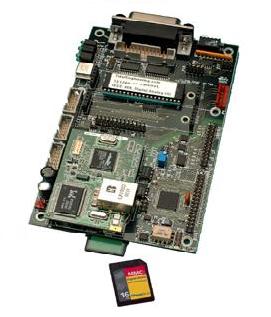
The Synergy Controller and Synergy Series (patent-pending) of hardware and software products are designed to enhance the overall efficiency of the
environmental testing process. The culmination of an extensive, multidisciplinary development process, the Synergy Series provides OEMs, test labs,
re-builders/re-furbishers, and end-users alike with the industry’s most comprehensive, single-source solution to exacting temperature and
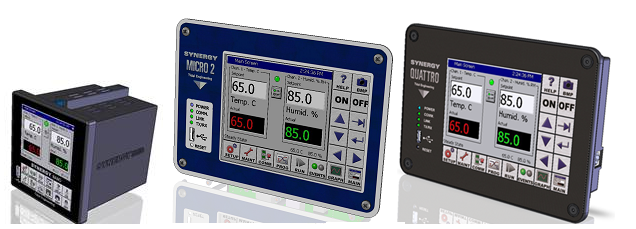
humidity testing requirements. Offering the utmost in integration and connectivity, the Series is comprised of Synergy Controller ,
the full sized Micro and the new 1/4 DIN Synergy Nano , both with touch screen and embedded Synergy Web Server
Software for remote monitoring and control; Synergy Manager software for control and monitoring of multiple
environmental chambers, the Synergy 488 ; offering GPIB, RS-232 and Ethernet communications communications
for legacy test chamber controllers and the Synergy UUT (Unit-Under-Test) data acquisition module to expand the controller’s data acquisition capabilities.
The Series is singularly notably for its ability to enhance overall environmental test process performance and cost effectiveness by employing existing LANs and
the Internet and popular USB Flash Drives.
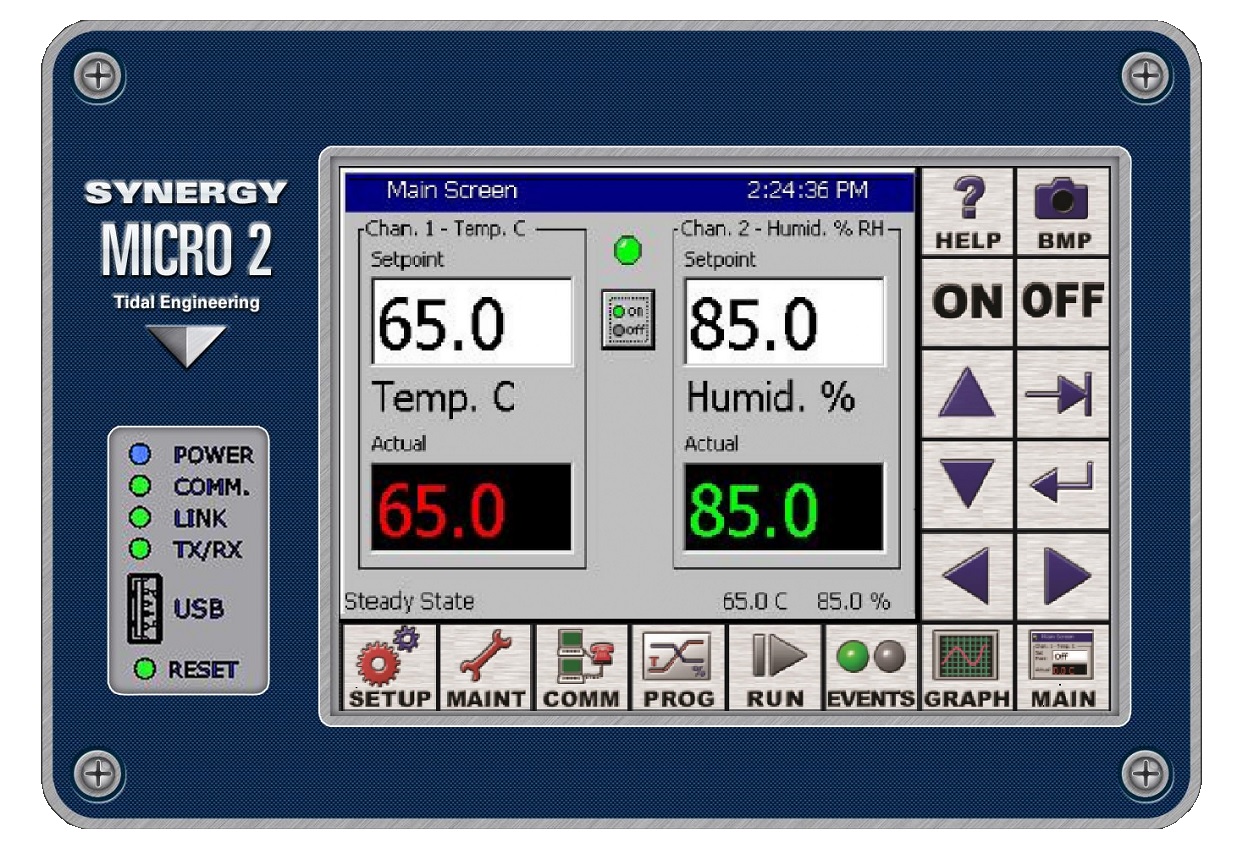
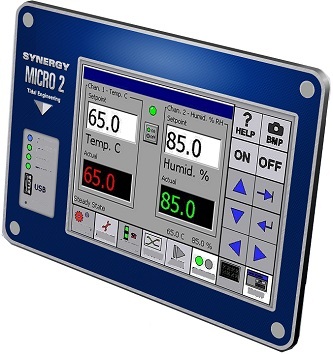 Synergy Micro 2 Synergy Micro 2
Maximize the capabilities of your environmental chambers.
Tidal’s state-of-the-art Synergy Micro 2 controller is engineered to offer all the features needed to maximize the capabilities
of your environmental chambers. Designed to take complete command of the chambers’ conditioning systems,
its logic circuits automatically select heating/cooling modes as required, and totally controls programming of temperature,
vibration, altitude and humidity versus time.
The Synergy Micro 2 combines the functions of a test chamber controller and a data logger. It moreover allows users to program up
to six custom outputs for special applications and optional features. Process inputs include RTD, Thermocouple, voltage and current.
Boasting the Microsoft Windows™ CE.NET operating system, this feature-rich system’s sophisticated communications capabilities also
include built-in remote control/monitoring. The Synergy Micro 2 Controller is easy to retrofit into legacy equipment.
For further details, see the Synergy Nano press release, technical manual and the Synergy Micro 2 datasheet.
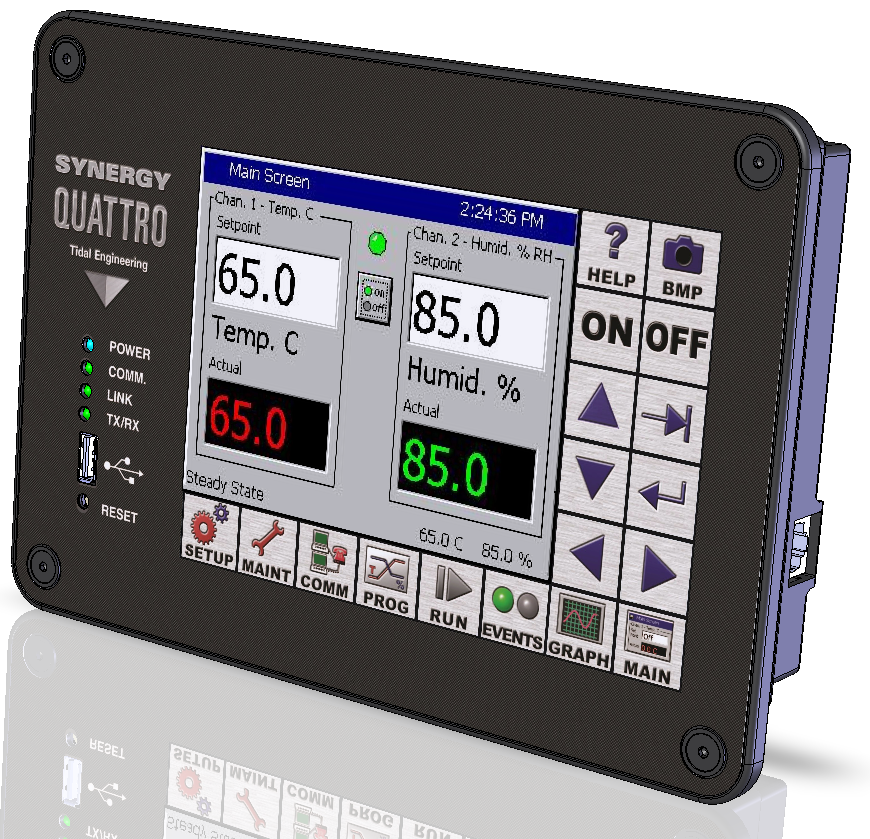 Synergy Quattro Synergy Quattro
Maximize the capabilities of your environmental chambers.
Tidal’s state-of-the-art Synergy Micro 2 controller is engineered to offer all the features needed to maximize the capabilities
of your environmental chambers. Designed to take complete command of the chambers’ conditioning systems,
its logic circuits automatically select heating/cooling modes as required, and totally controls programming of temperature,
vibration, altitude and humidity versus time.
The Synergy Micro 2 combines the functions of a test chamber controller and a data logger. It moreover allows users to program up
to six custom outputs for special applications and optional features. Process inputs include RTD, Thermocouple, voltage and current.
Boasting the Microsoft Windows™ CE.NET operating system, this feature-rich system’s sophisticated communications capabilities also
include built-in remote control/monitoring. The Synergy Micro 2 Controller is easy to retrofit into legacy equipment.
For further details, see the Synergy Nano press release, technical manual and the Synergy Quattro datasheet.
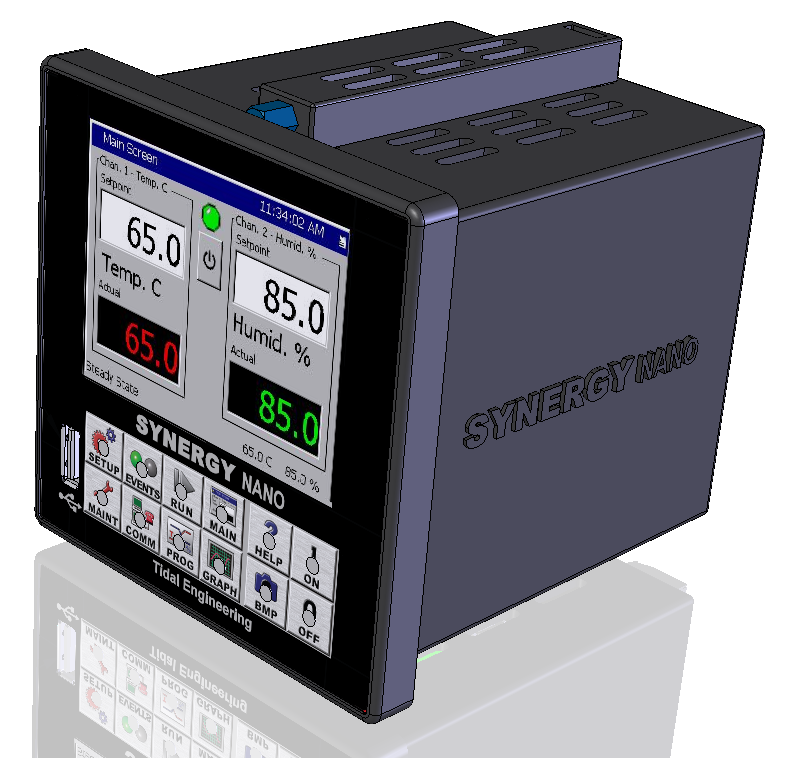 Synergy Nano
Maximize the capabilities of your environmental chambers in a 1/4 DIN package.
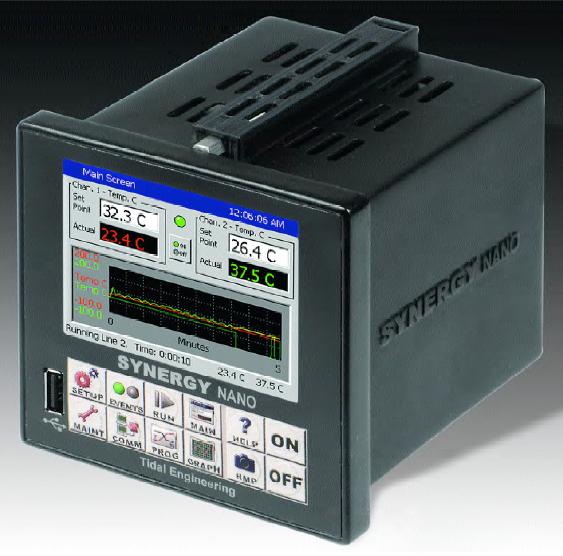
Tidal’s state-of-the-art Synergy Nano controller is engineered to offer all the features needed to maximize the capabilities
of your environmental chambers in a 1/4 DIN package. Designed to take complete command of the chambers’ conditioning systems,
its logic circuits automatically select heating/cooling modes as required, and totally controls programming of temperature,
vibration, altitude and humidity versus time.
The Synergy Nano combines the functions of a test chamber controller and a data logger. It moreover allows users to program up
to six custom outputs for special applications and optional features. Process inputs include RTD, Thermocouple, voltage and current.
Boasting the Microsoft Windows™ CE.NET operating system, this feature-rich system’s sophisticated communications capabilities also
include built-in remote control/monitoring. The Synergy Nano Controller is easy to retrofit into legacy equipment.
For further details, see the Synergy Nano press release, technical manual and the Synergy Nano datasheet.
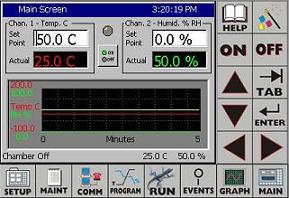 Synergy Controller
Touch Screen Interface
The Synergy (Micro) Controller and Synergy Nano share a common user and programming interface
and provides OEMs, test labs, and re-builders/re-furbishers with cost-effective integration of control,
logging and connectivity features, and are appropriate for use in the broadest spectrum of environmental
testing applications including temperature, humidity, vibration, altitude, HALT (Highly Accelerated
Life Testing)/HASS (Highly Accelerated Stress Screening), thermal shock, and thermal vacuum testing
processes.
The Synergy Controllers are ideal for use in chambers or ovens when controlled environments are essential
for the testing, screening, and calibration of mission-critical systems and components.
Industries in which the instrument can be confidently employed include electronic systems, semiconductors,
aerospace, automotive, medical, and pharmaceutical.
 Synergy Series
Specifically for Environmental Testing
Tidal’s Synergy Series is uniquely engineered for use in environmental testing applications in the broadest spectrum of industries and applications requiring the precise measurement and control of temperature and/or humidity. Among the most prevalent are the electronics, aerospace, automotive, medical and pharmaceutical sectors, where controlled environments are essential for the testing,
screening and calibration of critical systems and components.
The Synergy Controller is developed to replace the most popular environmental chamber manufacturers’ controllers/programmers, as well as discontinued or unsupported systems. It is specifically engineered as a drop-in replacement for the Tenney VersaTenn II and VersaTenn III controllers as it employs virtually identical electrical, mechanical, and physical parameters. Further, it’s compatible with the Watlow 942, F4, and the Thermotron 4800, making the retrofit process fast and easy for end-users of these chambers as well.
Available standard with either a front or flush mounted 320 x 240 (color STN) touch screen, the microprocessor-based, two-channel Synergy Controller takes total charge of environmental chambers’ conditioning systems. The two control channels may both function as temperature control, or with channel #1 as temperature, and channel #2 as humidity. The unit features RS-232/485, 10/100 Base-T Ethernet, and GPIB communications, as well as a
Disk-On-Chip Flash Drive, SDRAM and a FD drive for data logging, alarm logging and storage. USB storage are also featured. Its Windows-based software supports profiling, an unlimited number of setpoint,
auto-start, hold, jump and stop steps, along with eight event/alarm outputs.
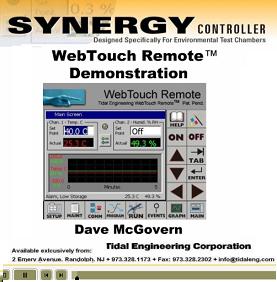
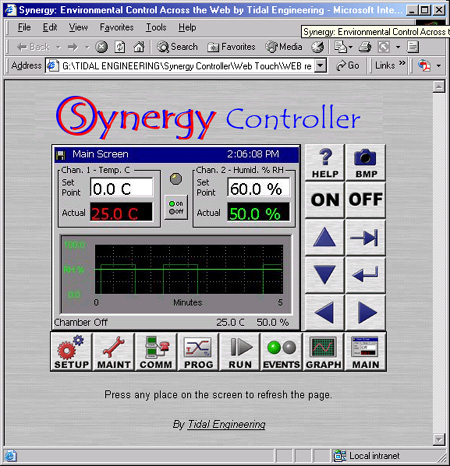
To further enhance the functionality of the Synergy Controller and to maximize process efficiency, control, and accuracy, Tidal developed the Synergy Web Server Software and Synergy Manager Software. The Synergy Web Server Software provides the ultimate remote monitoring and control capabilities as it connects the Synergy Controller to a LAN or the Internet. This highly intuitive, Internet Explorer compatible (no other client software required)
web-server interface allows operators to view a mirror image of the controllers’
touch screen from any Web browser. Therefore, operators are able to perform such key control functions as process monitoring, set point changes, and managing alarms “on-the-fly”.
For applications requiring the control and monitoring of multiple and diverse environmental chambers, Tidal’s Synergy Manager Software supports numerous controllers in any combination. This feature-rich program compiles and generates environmental profiles for any chamber from its graphical editor and sports a comprehensive array of performance and activity statistics.
Featuring GPIB, RS-232, RS-485 and TCP/IP communications, download control, real-time data logging, graphical profiling,
time-stamping, e-mail and fax alerts are among the functions supported.
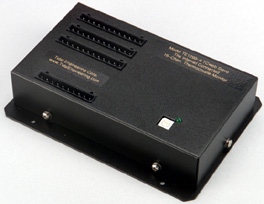
Rounding out the Synergy Series to-date is the Synergy UUT, a 16-channel thermocouple data acquisition module. Developed to expand the input capabilities of the Synergy Controller, the interface allows Synergy system operators to capture and log data from up to 64 thermocouples from a unit-under-test.
Tidal also offers RTD (Resistance Temperature Detectors) and TRH (Temperature/Relative Humidity) sensors and probes engineered for employment with the Series.
Synergy Controller Specifications
Designed specifically for Environmental Test Chamber Control
The Synergy Controller Touch Screen Control System is a microprocessor based multi-channel instrument, developed specifically for environmental test chambers.
This state of the art design employs features that maximize the capabilities of your test chamber. It is precisely designed to take complete command of the
chamber’s conditioning systems. Logic circuits automatically select heating / cooling (Channel 1), and humidity (Channel 2) modes as required, with total
programming of temperature and humidity versus time. Six Event outputs are provided for special applications and optional features. A 100 ohm platinum RTD
is used for temperature measurement. A dry capacitance type sensor is used for humidity measurement.
The Synergy Controller is specifically designed to be a drop-in replacement for the Tenney VersaTenn III controller. All of the electrical and mechanical
interfaces have been preserved. The retro fit process is quick and easy for end-users.
The main features of the Synergy Controller are as follows:
|





 Eight New Application Notes
  Video Demonstrations
 Synergy UUT Thermocouple Monitor
  Triac Output Board, 12 Channel
 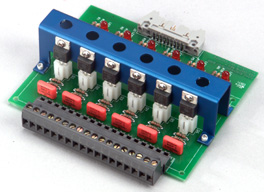 Triac Output Board, 6 Channel
 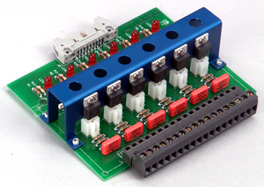 Triac Output Board, 5 Channel
 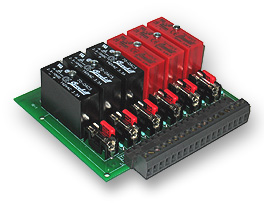 Universal Event Board, 6 Channel
 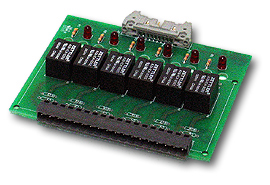 Relay Output Board, 6 Channel
  Synergy Web Touch Remote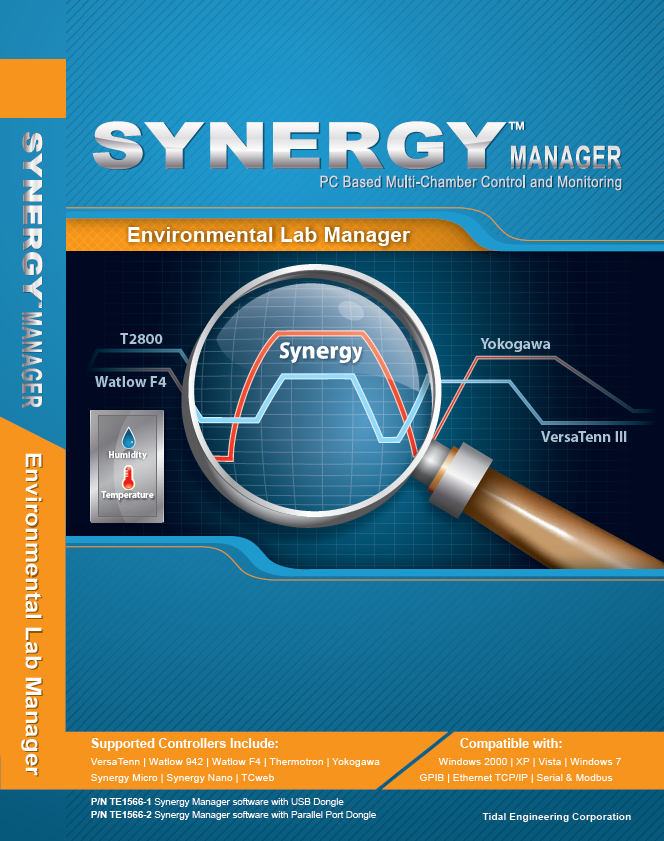
 Synergy Micro